STINT APP
View and organise your records on your phone.
Once the watch’s sessions are synced to your phone, lap-by-lap detail, traces and result cards are all in the app. The STINT App is currently available for iPhone.
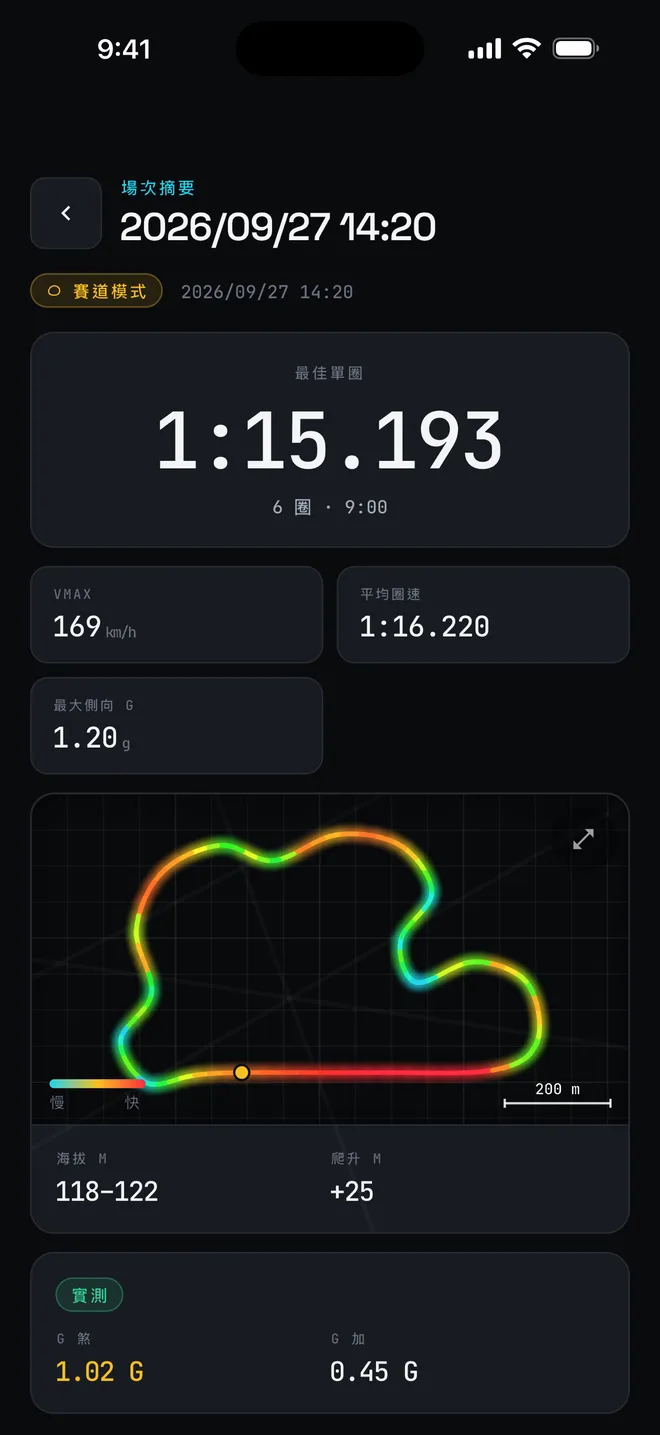
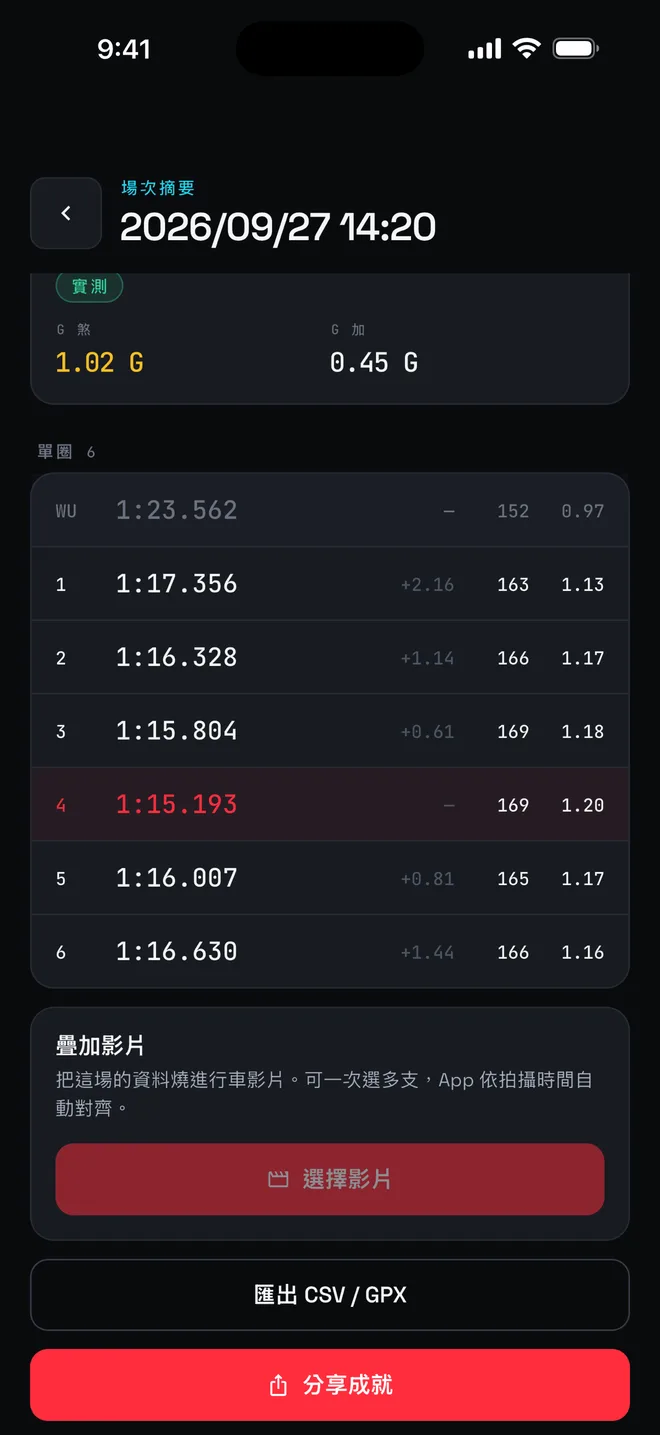
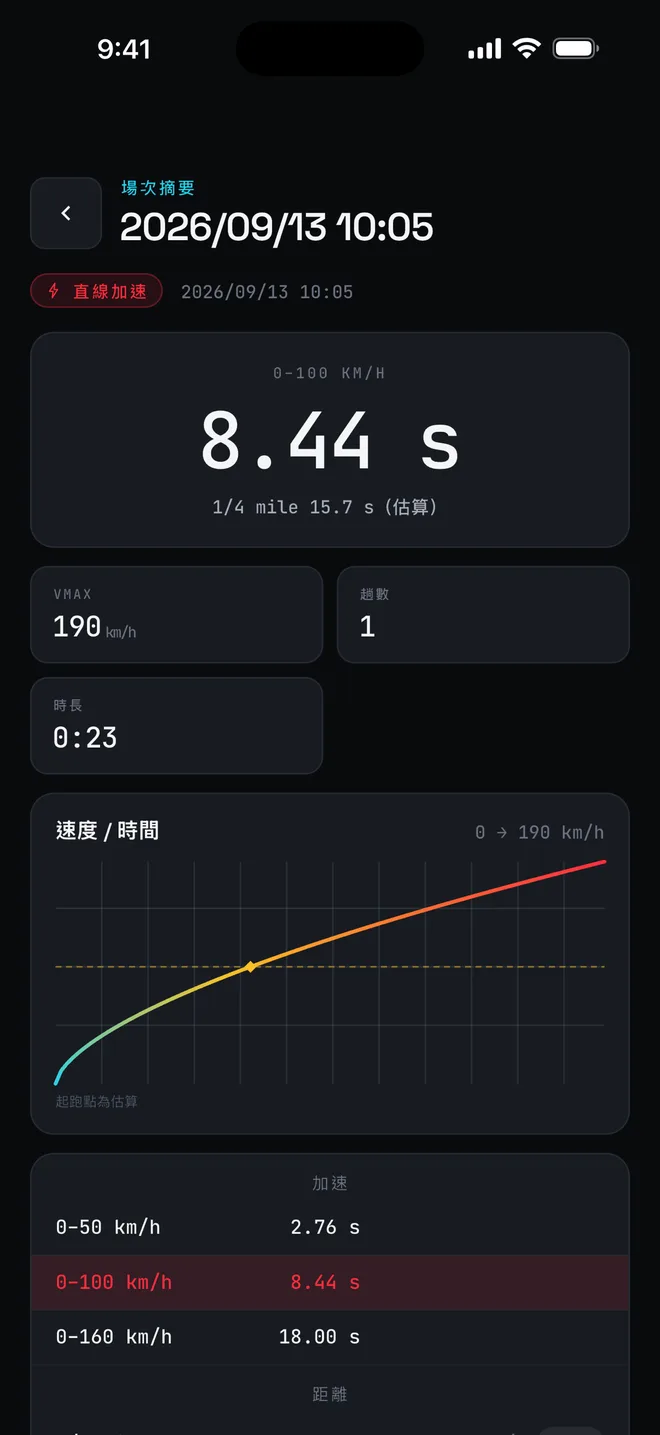
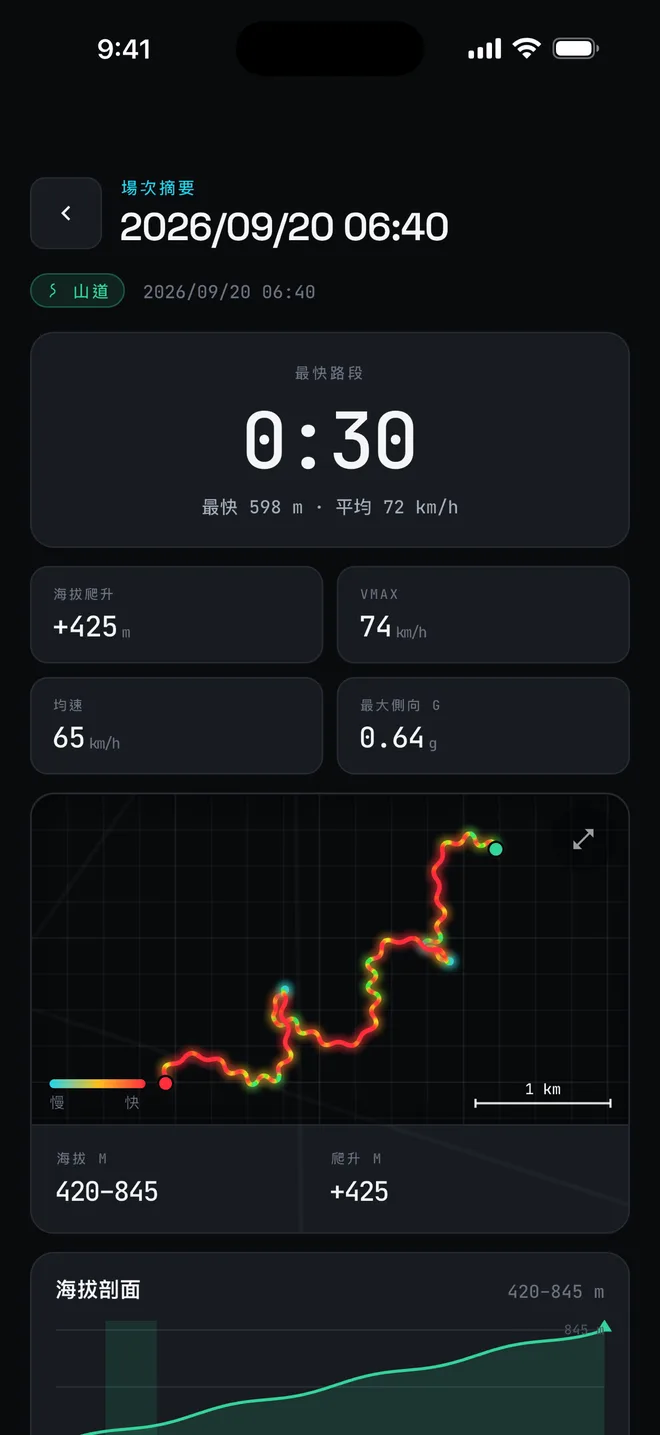
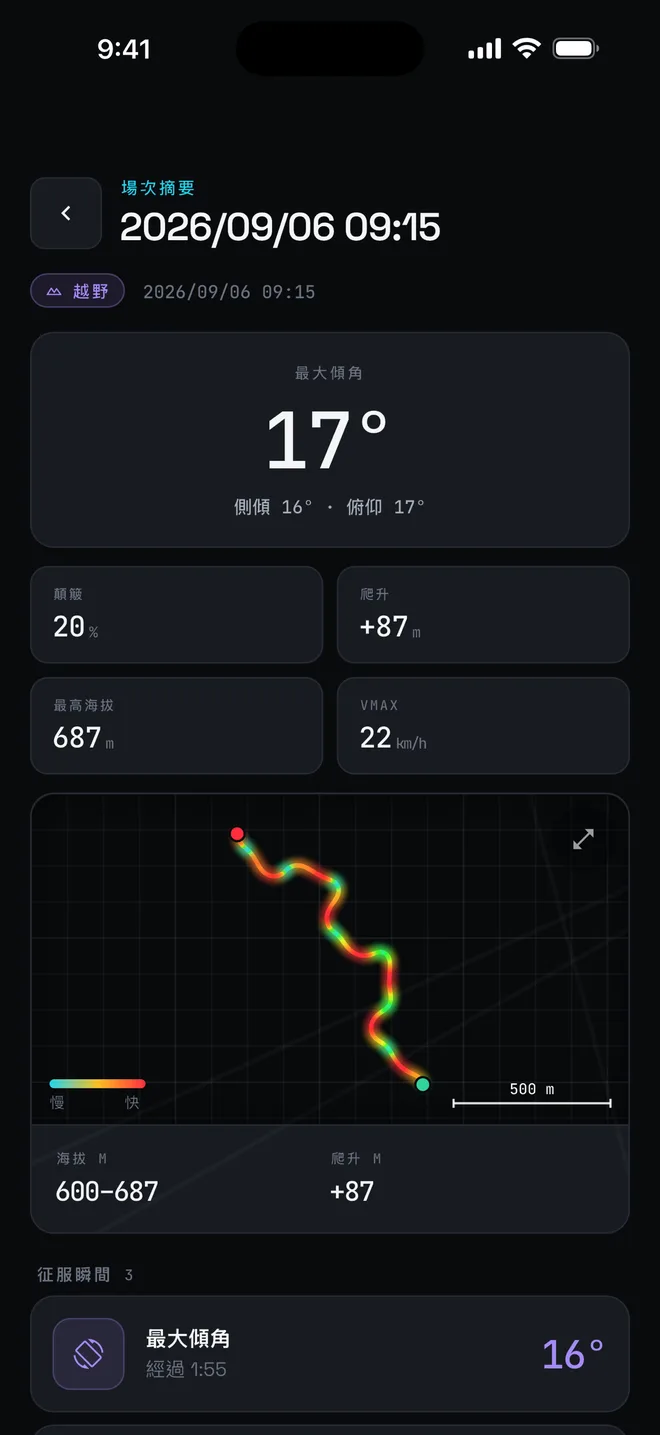
Numbers on the watch and app screens are demo values. App screens are shown in Traditional Chinese.
From watch to phone
View and organise your records on your phone.
01
Session sync
Sync sessions from the watch to your phone.
02
Lap-by-lap detail
Lap time, top speed and peak g for every lap.
03
Map trace
See where you drove, on a map.
04
Shareable result card
Generate a result card to post on social media.
05
Tilt overlay on video
Overlays tilt data onto your footage; iPhone only for now.
06
Export KML · GPX · CSV
Export the file for use in other tools.
07
STINT ID
Link your account to keep your backups associated with your identity.
08
Cloud backup and restore
Back up your records and restore them when needed. Requires an app version that supports cloud connectivity.
Before you start
Version and platform support.
Available features depend on the watch firmware and app version you receive.
Phone app
The STINT App is currently available for iPhone only.
Watch updates
Update the watch firmware the way STINT provides.